REVUELET
A downloadable Simulation for Windows and macOS
🎭 REVUELET
A Little Stage on Your Desktop
A tiny theatrical cast brings walks, poses, and little gestures to your Windows or Mac desktop.
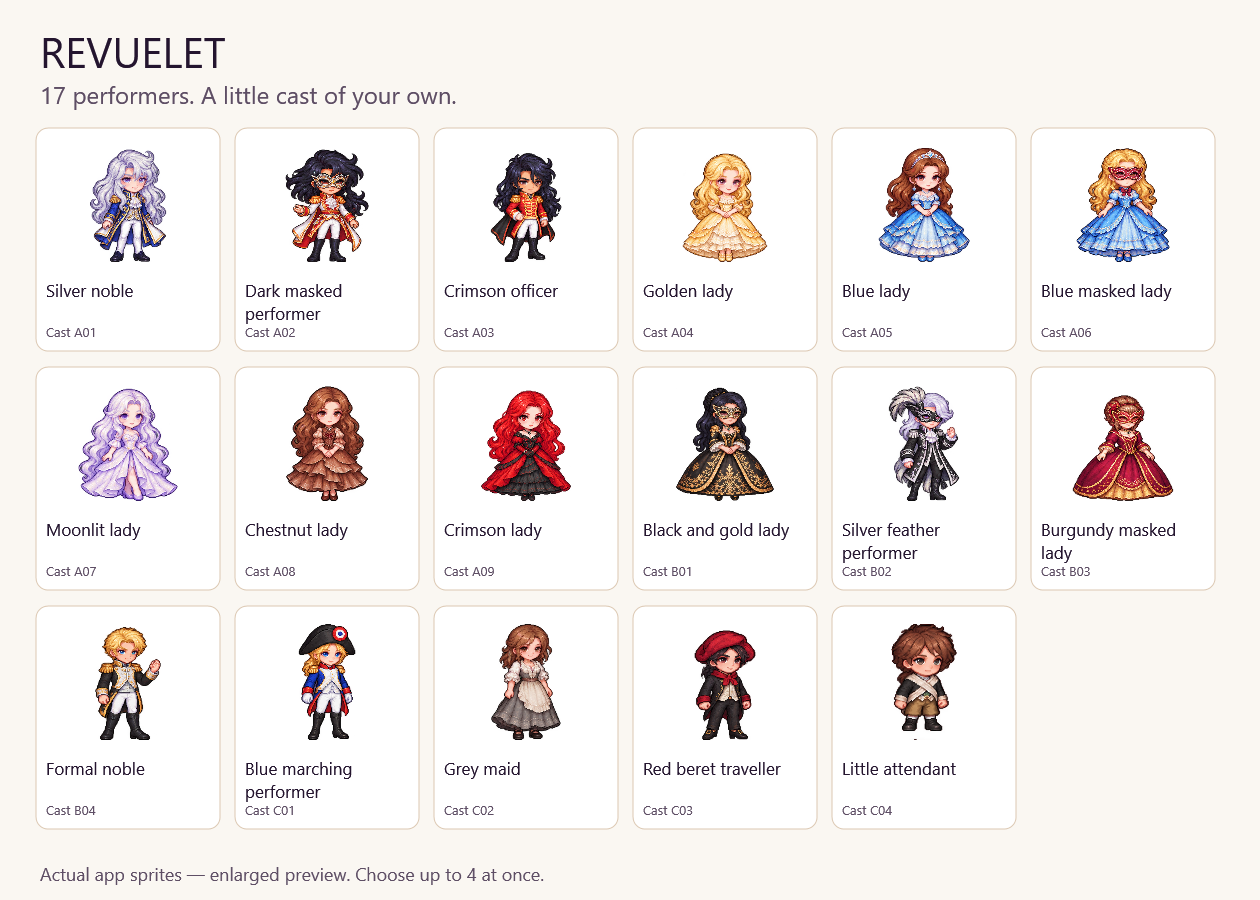
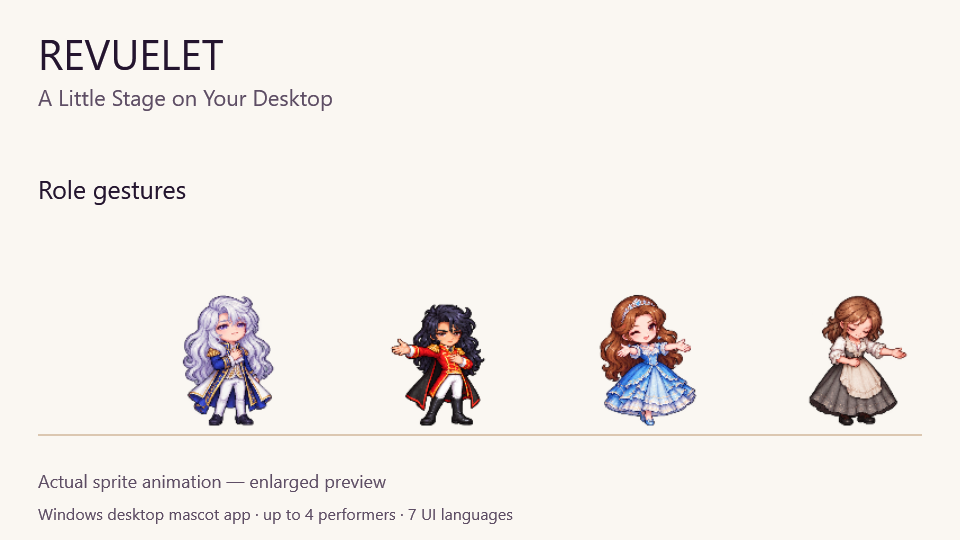
Choose from 17 performers and welcome up to four onto your screen. Each performer strolls independently and occasionally stops for gestures suited to their role: a salute, an offered hand, a sweep of a coat, a shy invitation, or a bow.
Every performer has two role-specific gestures and a shared stage greeting. Performers can also begin their gestures together when they meet.
✨ Features
- 17 Performers: Welcome up to four into your cast.
- Unique Gestures: 34 role-specific gestures, plus a shared stage greeting.
- Independent Movement: Walking animation follows each performer’s movement and direction.
- Desktop Reactions: Occasional reactions to the cursor and visible window edges.
- Cast Management: Add, rename, replace, remove, or individually hide performers.
- Customizable: Adjust size, walking speed, performance frequency, and sound volume.
- Short Breaks: Pause individual performers or the whole cast.
- Quiet by Default: Sound starts OFF. Optional sound effects are brief synthesized tones.
- Multiple Languages: Seven interface languages, plus automatic system-language selection.
New in the Mac edition: Choose “All performers act” from the menu bar. Each visible performer randomly chooses one of its two role-specific gestures, with staggered start times.
🎮 Controls
- Drag: Move a performer.
- Double-click: Resume an individual break and request the next gesture in their sequence.
- Right-click: Open the performer’s individual menu. On Mac, Control-click also works.
- Windows System Tray: Open settings, manage the cast, show or hide performers, pause, and quit.
- Mac Menu Bar: Use the 🎭 icon for settings and cast controls, including All performers act.
The gesture sequence includes the performer’s two role-specific gestures and the shared stage greeting.
🌐 Languages
Japanese, English, Simplified Chinese, Traditional Chinese, Korean, Spanish, and Thai.
Choose a language on the welcome screen or in settings. Automatic selection follows your system language; unsupported languages default to English. Names you give your performers are kept as entered.
📥 Downloads
Windows — Version 1.2.0
Windows 10/11, 64-bit.
- Installer: For a normal PC installation.
- Portable ZIP: Extract and use from a folder or USB drive.
- A separate .NET installation is not required.
macOS — Version 0.3.2
macOS 13 or later.
- Apple Silicon PKG: For Macs with an Apple M-series chip.
- Intel PKG: For Intel-based Macs.
Choose the package that matches your Mac. The installer places REVUELET.app in Applications. Open it from there; cast controls appear in the menu bar.
Before updating, quit the running REVUELET app, install the new version, then launch it again.
The Mac edition is currently a development preview. Its installer is unsigned and has not been notarized by Apple. Intel hardware and some OS integration features—including external displays, full-screen Spaces, and login startup—have not been fully verified.
💾 Saves
Your cast and settings are saved locally.
- Windows Installed Edition:
%LOCALAPPDATA%\REVUELET - Windows Portable Edition:
Data\REVUELETbeside the executable. - Mac Edition:
~/Library/Application Support/REVUELET
Close the app before moving or backing up saves. Keep the entire Data folder when moving the Windows portable edition.
Cast changes retain a history of previous lineups. Removing the app does not remove its separate save folder.
The Mac settings include a Windows save import option. Keep a backup of your original files and review performer positions after importing, especially when display layouts or scaling differ.
🎨 Artwork & Development Notes
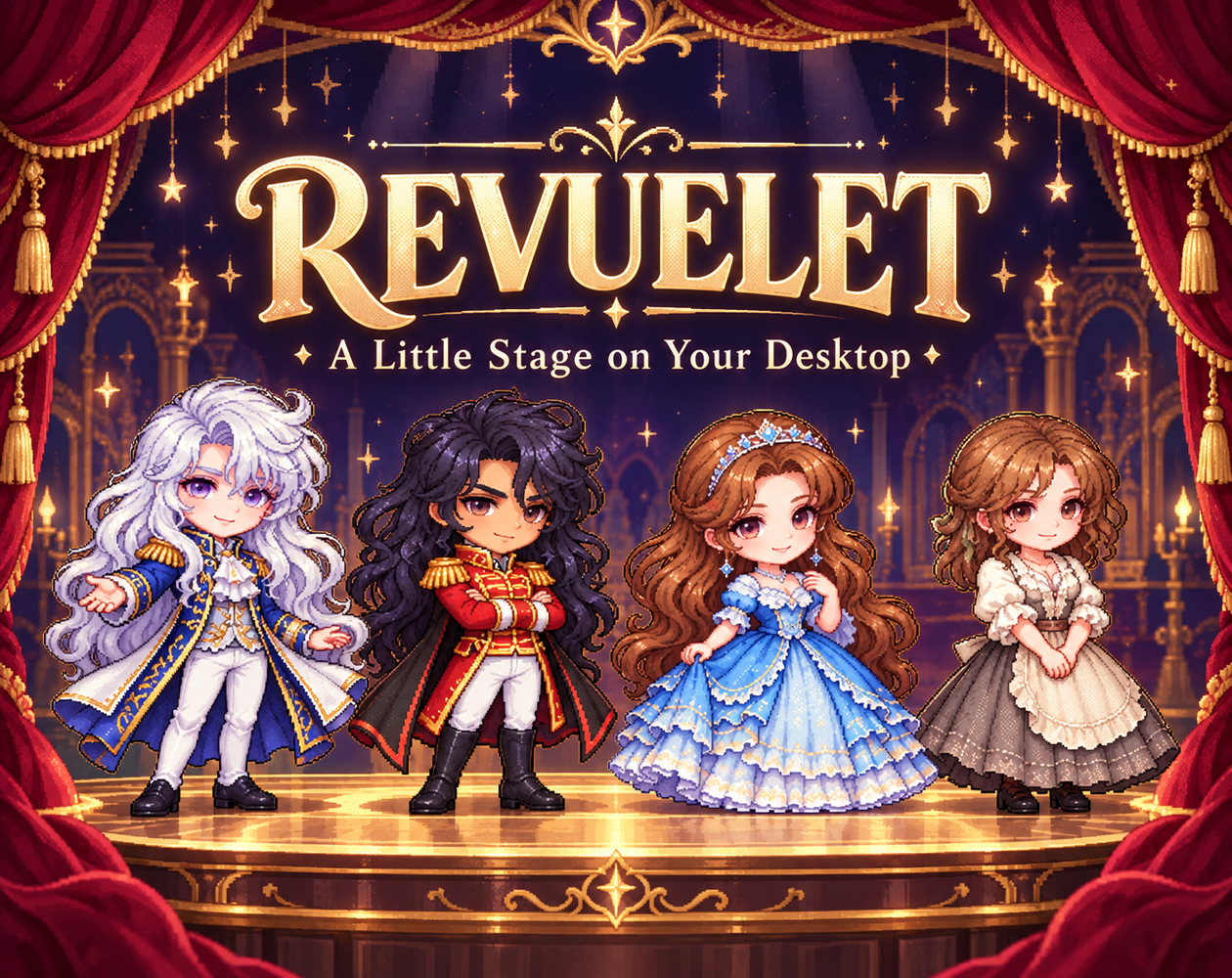
- The cover and banner are promotional illustrations. Sprite showcases and motion previews use actual app assets, enlarged for clarity.
- Generative AI tools were used for artwork and promotional imagery and assisted with code and localization.
- No AI-generated voice or music is included. Optional sound effects are synthesized tones.
- Performances are short sprite gestures. Spoken dialogue, scripted plays, and full ballet performances are not included.
- REVUELET is an independent desktop mascot app and is not affiliated with any real theatre company, production, or person.
💬 Feedback
Comments and bug reports are welcome!
Please include your app version, Windows or macOS version, the performer involved, and steps to reproduce the issue. For Mac reports, also mention whether you use Apple Silicon or Intel.
ℹ️ Preview Notice
Unexpected bugs, display issues, or save problems may occur. Back up your cast and settings before use and before updating. Reliable operation and preservation of data are not guaranteed.
Download
Leave a comment
Log in with itch.io to leave a comment.