UchiNoKoCat
A downloadable Simulation for Windows and macOS
🐾 UchiNoKoCat
Your cat. On your desktop.
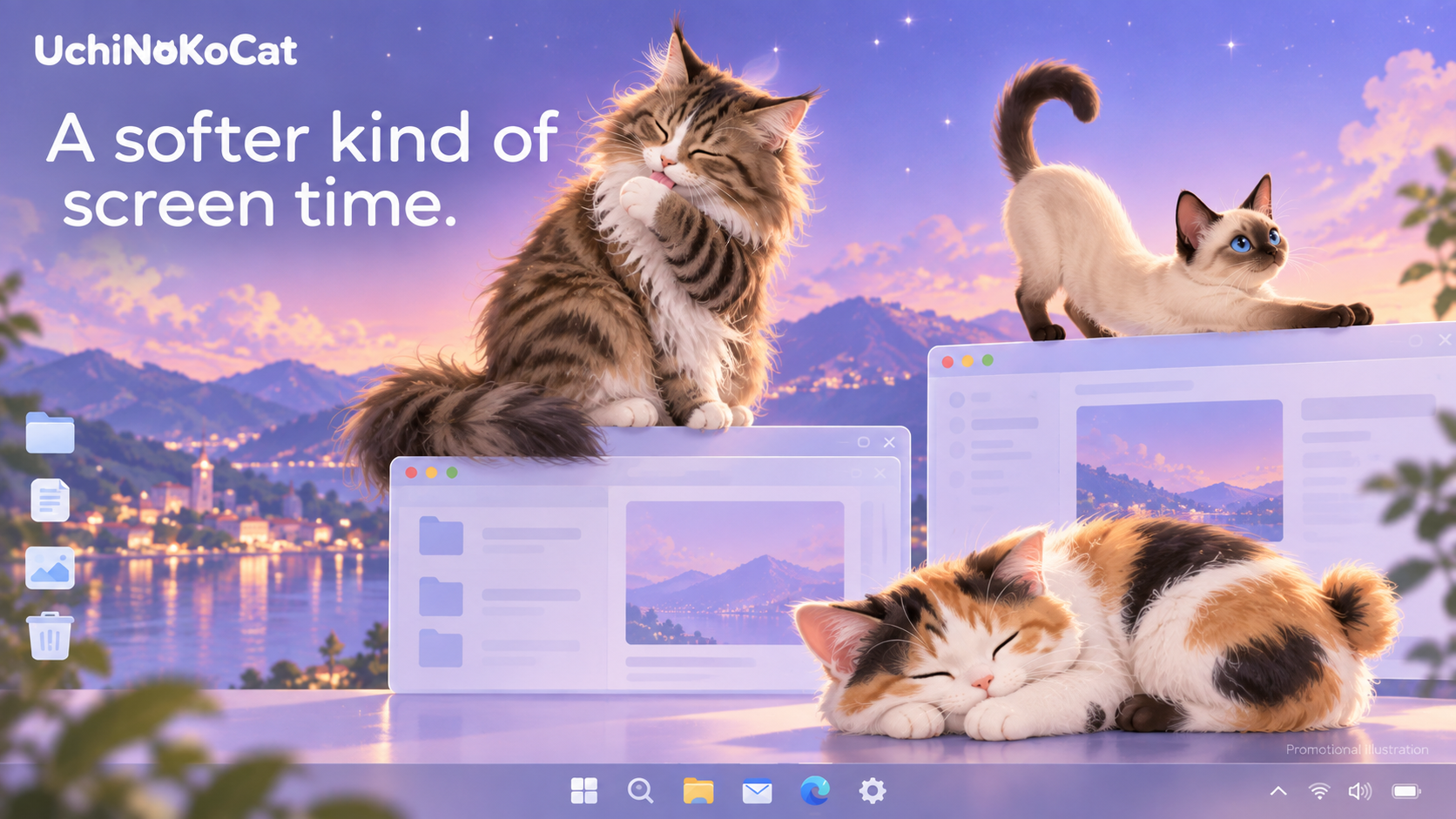
Bring a little warmth to your working day with a tiny feline companion. Watch your cat wander across your desktop, stretch, groom, play, and curl up for a nap.
────────────────────
🐈 FIND A CAT THAT FEELS LIKE YOURS
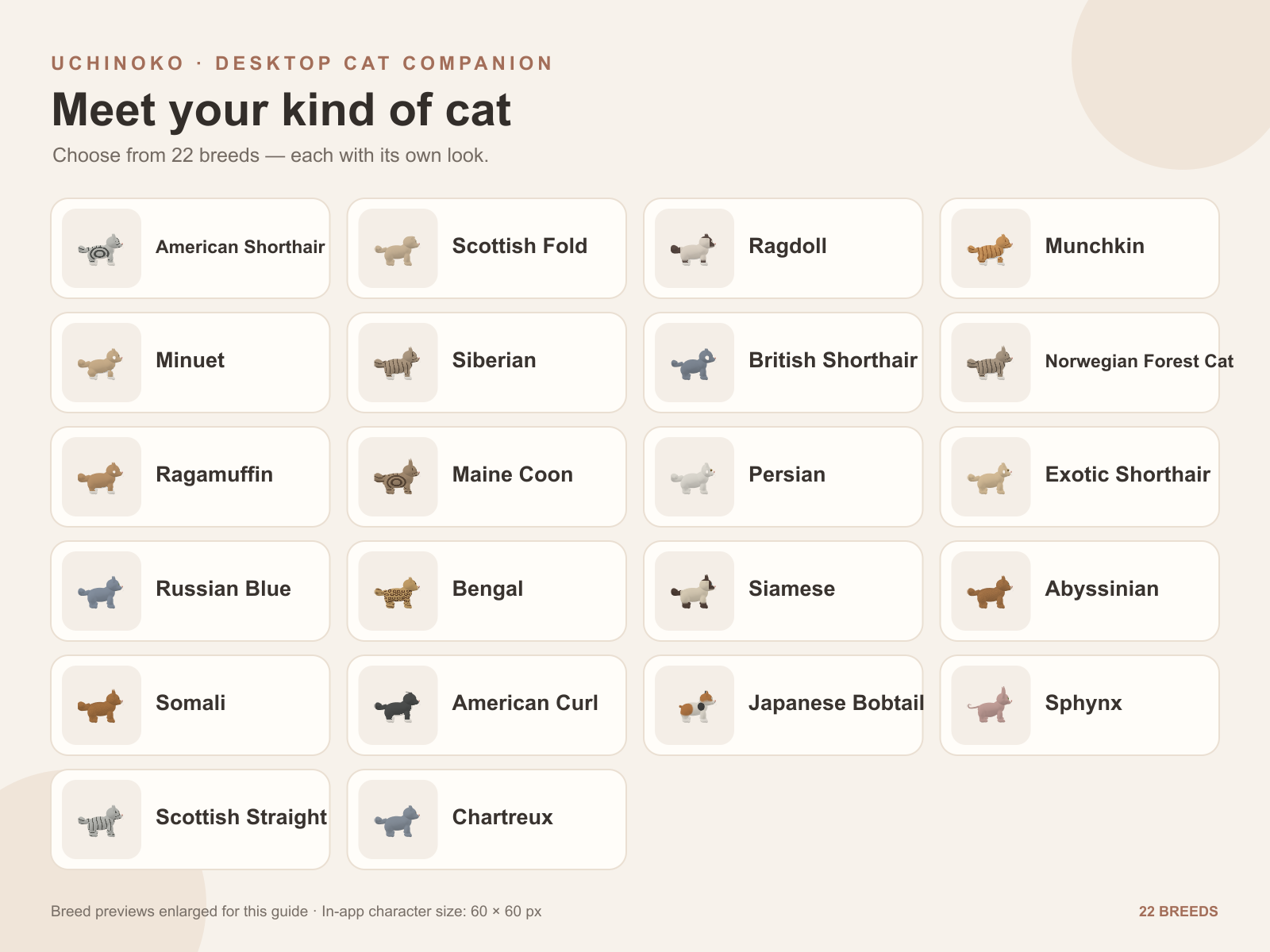
Choose from 22 cat breeds, with breed-specific coat options and color adjustments.
Find a look that reminds you of your own cat, then personalize its collar and collar color.
────────────────────
💛 A LITTLE COMPANY WHILE YOU WORK
• Enjoy walking, sitting, stretching, grooming, scratching, and playful little jumps.
• Move your cursor near your companion to interact. An active cat may play, while a sleepy cat may enjoy gentle attention or simply keep resting.
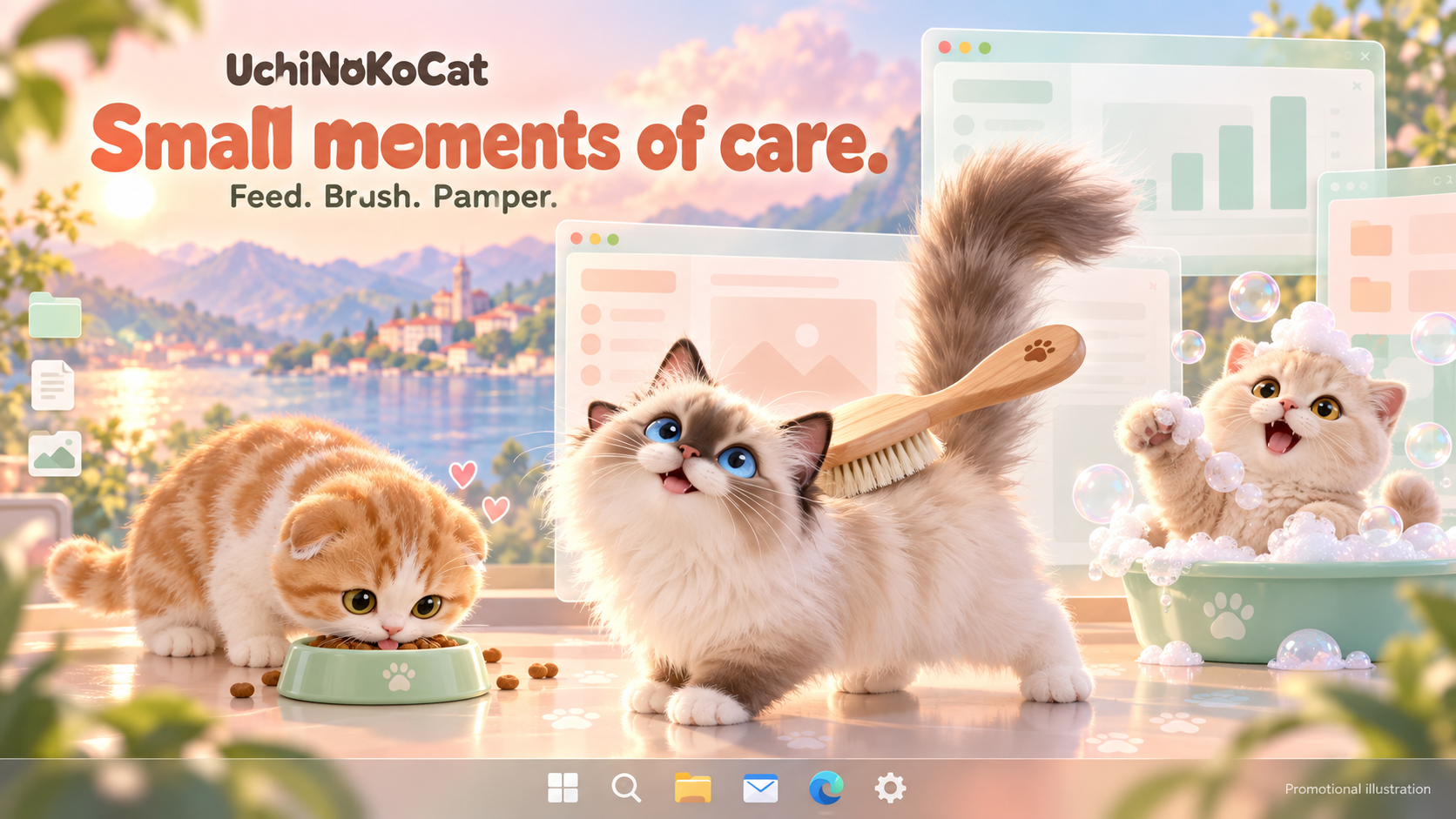
• Offer food, brush its coat, or give it a shampoo whenever you want to spend a moment together. These care activities happen when you choose them.
• Your cat takes naps automatically when it gets tired.
• Your companion usually stays away from your cursor to help keep your workspace comfortable.
• Need to concentrate? Hide your cat temporarily and bring it back from its notification-area icon.
────────────────────
💻 CHOOSE YOUR WINDOWS EDITION
📦 Windows Installer — Recommended
UchiNoKoCat-0.5.6-Windows-x64-Setup.exe
Run the installer to install UchiNoKoCat on your PC. Your cat and settings are saved on that PC.
• Your cat and settings stay in the Data folder beside the app.
• Keep portable.flag beside the executable.
• Copy the entire folder when moving your companion.
• Close the app before removing your USB drive.
The portable edition starts with a new cat. It does not automatically import your installed companion. Transfer instructions are included in README-USB.txt.
────────────────────
🐾 GETTING STARTED
① Launch the app and choose your companion.
② Right-click your cat for care options and settings.
③ Drag your cat with the left mouse button to move it.
④ Use its notification-area icon to show it again after hiding it.
────────────────────
🌍 LANGUAGES
English · Japanese · Spanish
Simplified Chinese · Traditional Chinese
Korean · Thai
The app uses your system language by default. You can change the language in settings.
────────────────────
⚙️ SYSTEM REQUIREMENTS
• Windows 10 or Windows 11, 64-bit.
• No separate .NET installation is required.
• A writable folder is required to save your cat and settings.
────────────────────
✨ ABOUT THIS RELEASE
Version 0.5.1 — Early release.
Breed appearances and animations are still being refined. Feedback is welcome!
The cover and images marked “Promotional illustration” are promotional artwork, not actual screenshots. The in-app cat uses a small, simplified design with a 60 × 60 pixel display area.
────────────────────
📝 PLEASE NOTE
UchiNoKoCat is a desktop companion for entertainment. Performance and behavior may vary depending on your PC and other running applications.
If the app interferes with your work, hide or close it. Save important work regularly and use the app at your own discretion.
The app is provided “as is,” without guarantees of uninterrupted operation or compatibility with every PC.
Download
Leave a comment
Log in with itch.io to leave a comment.